 01
01 Set up Kaption
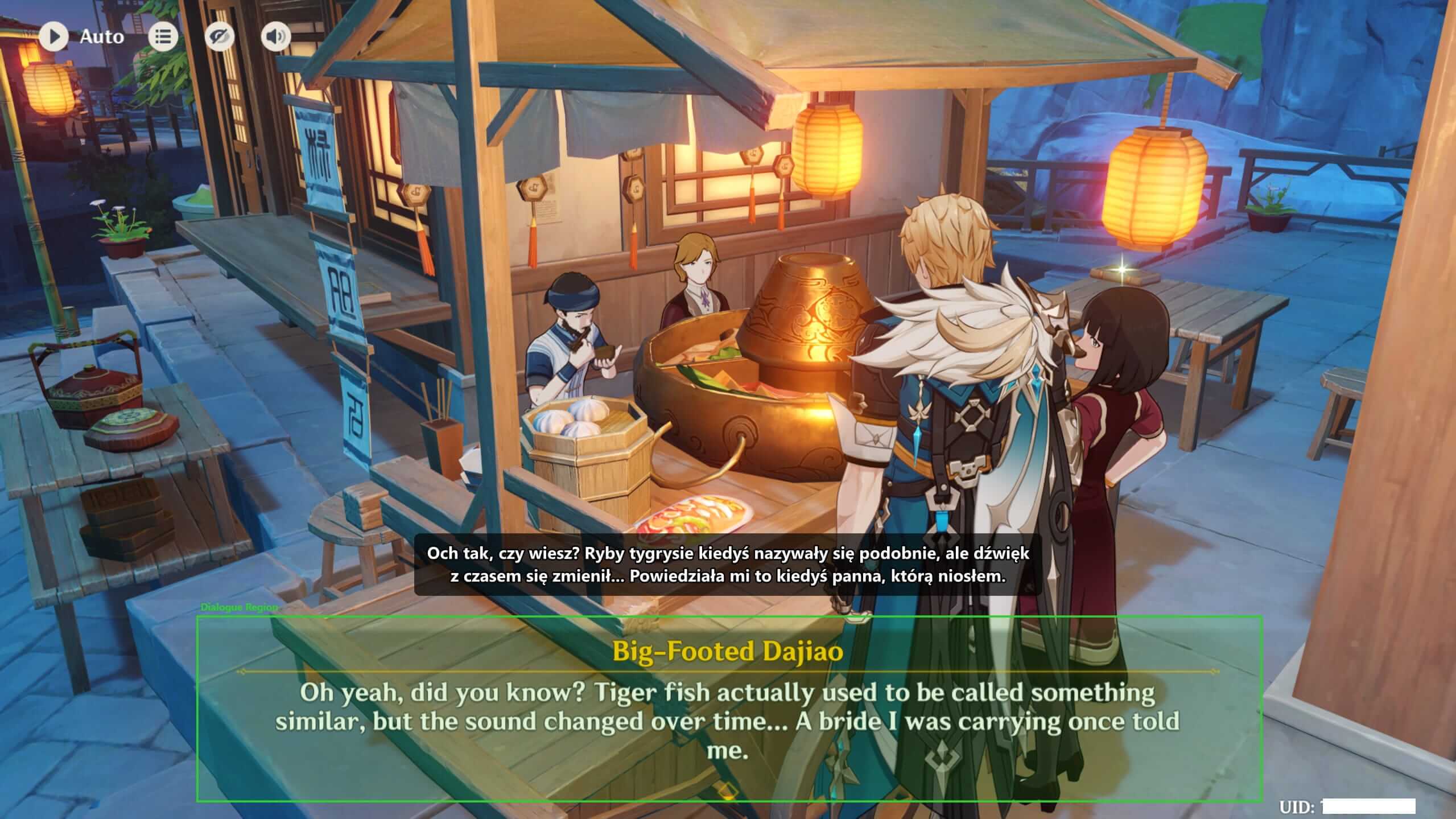
Install Kaption, launch the game, select the area where the original dialogue appears, and keep the translated overlay outside that area. After that, you just play.
Home Guides
Guides
Short, practical pages for people who just want the game to make sense: setup help, subtitle tips, story guidance, and a careful approach to news or leaks.
Start here
If Kaption is new to you, begin with setup. If you already use it, the game pages explain where it helps most.
01 Install Kaption, launch the game, select the area where the original dialogue appears, and keep the translated overlay outside that area. After that, you just play.
 02
02 Genshin Impact translator / Honkai: Star Rail translator
 03
03 What Kaption does, what it does not touch, how source code helps audits, and how to think about anti-cheat concerns. Spoiler-safe guides for Genshin Impact leaks, Honkai: Star Rail update rumors, source checks, and patch planning.
Kaption setup
Installation, capture region, overlay placement, and first-run checks.
Install Kaption, open your Hoyoverse game, choose the dialogue region, and check that the subtitle overlay stays out of the OCR area.
Need the exact region tutorial?
The detailed screenshot guide for drawing the Dialogue Region still lives as a separate page.
How to draw the Dialogue RegionDownload and install
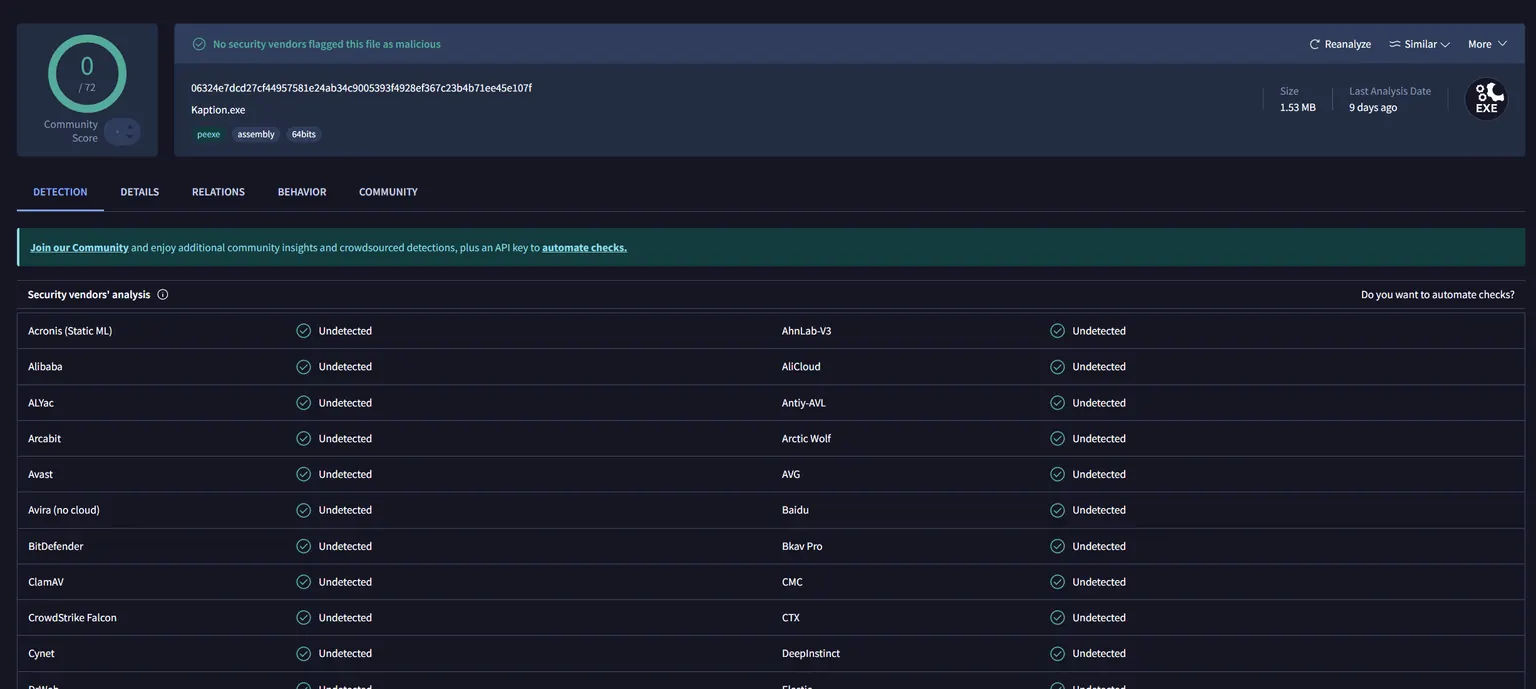
Use the public installer from the landing page. The app is self-contained, so normal players do not need to install .NET manually.
Open the game first
Start Genshin Impact or Honkai: Star Rail and enter a dialogue scene before drawing the region.
Draw the Dialogue Region
Capture the original game dialogue, not the translated overlay. If you want the full screenshot walkthrough, use the dedicated region guide.
Game and story guides
Where subtitles help in Genshin Impact, Honkai: Star Rail, events, lore, and long quests.
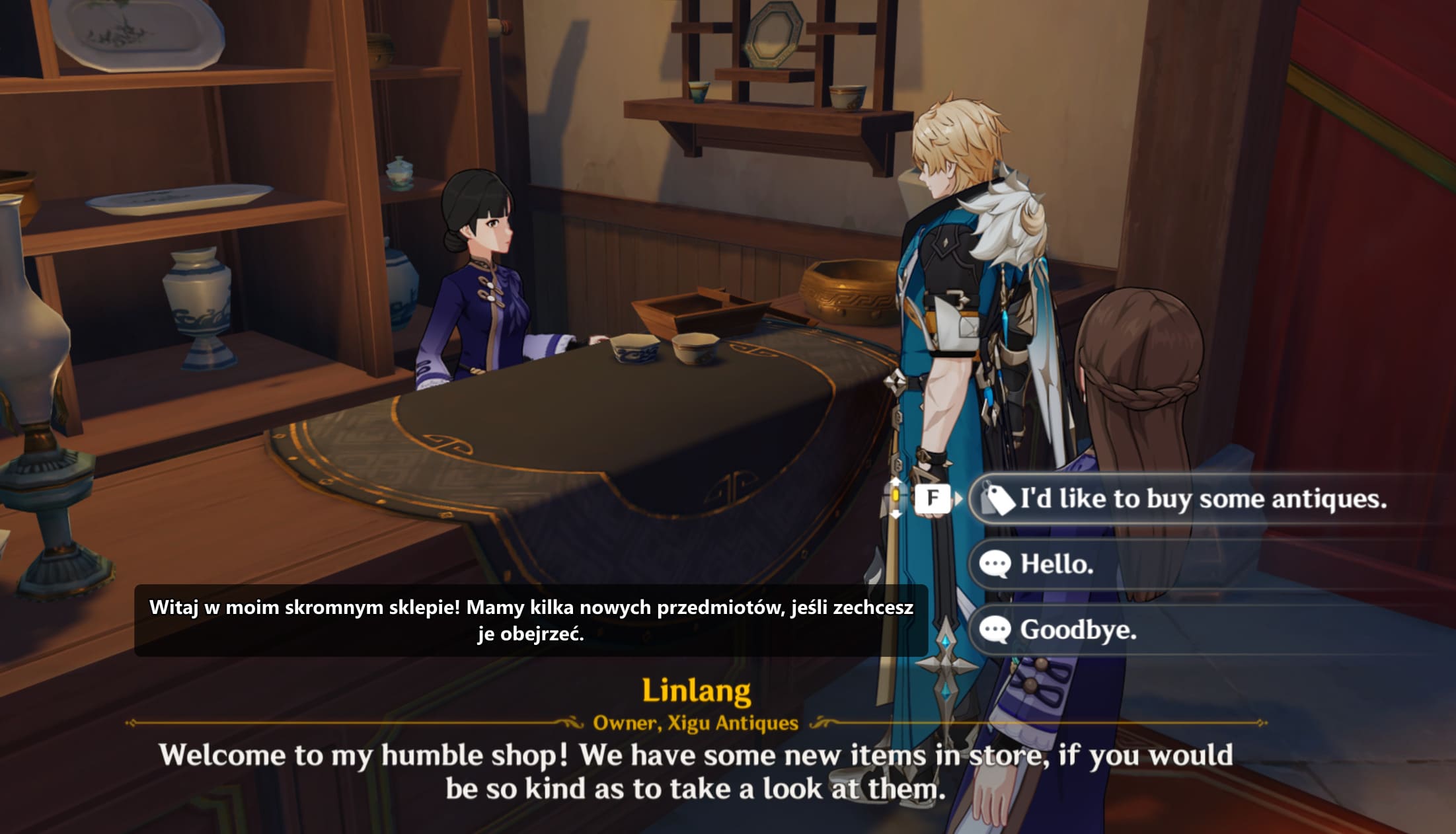
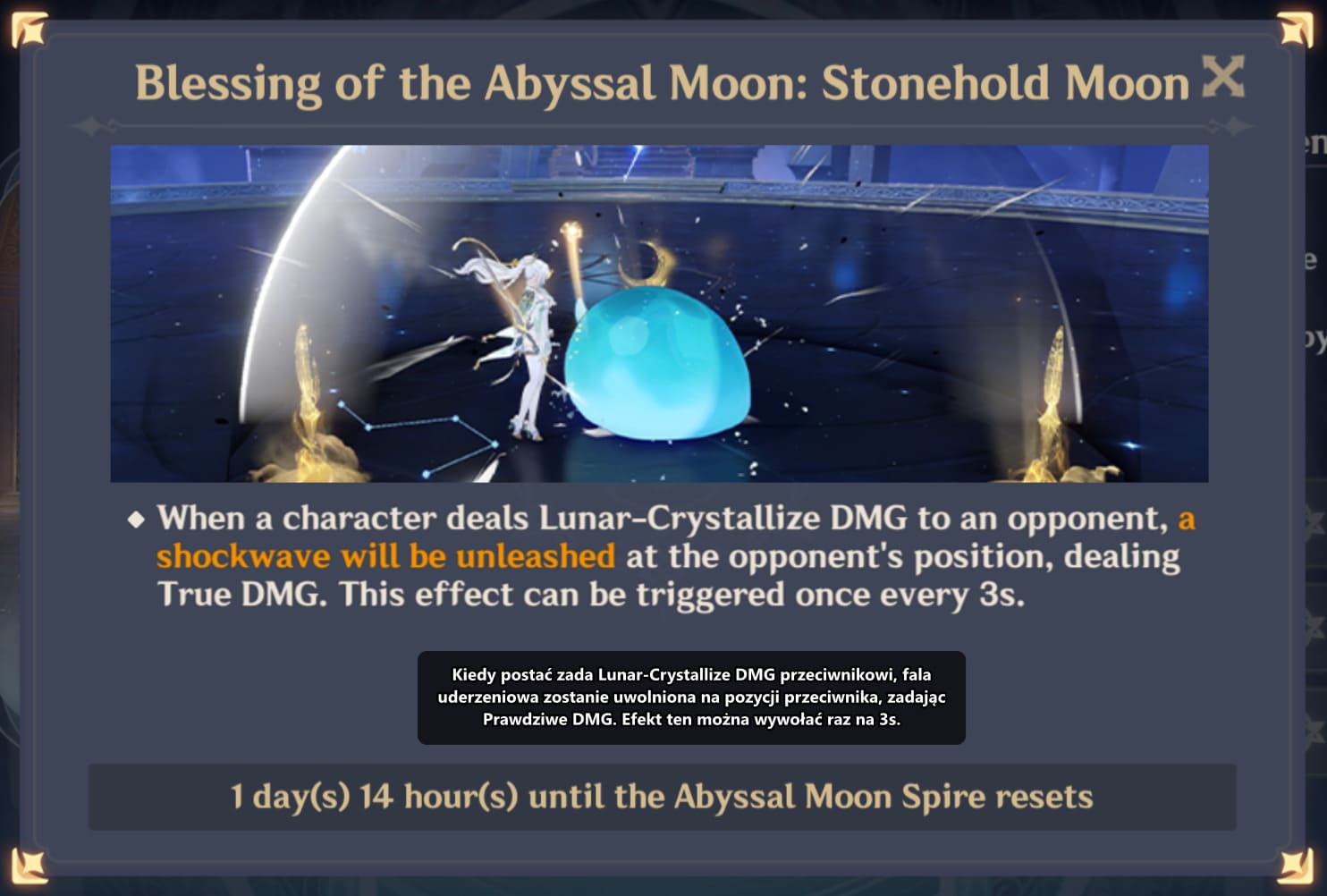
Use Kaption as a Genshin Impact subtitle translator. Read quests, events, NPC dialogue, choices, and UI text in Polish without mods.
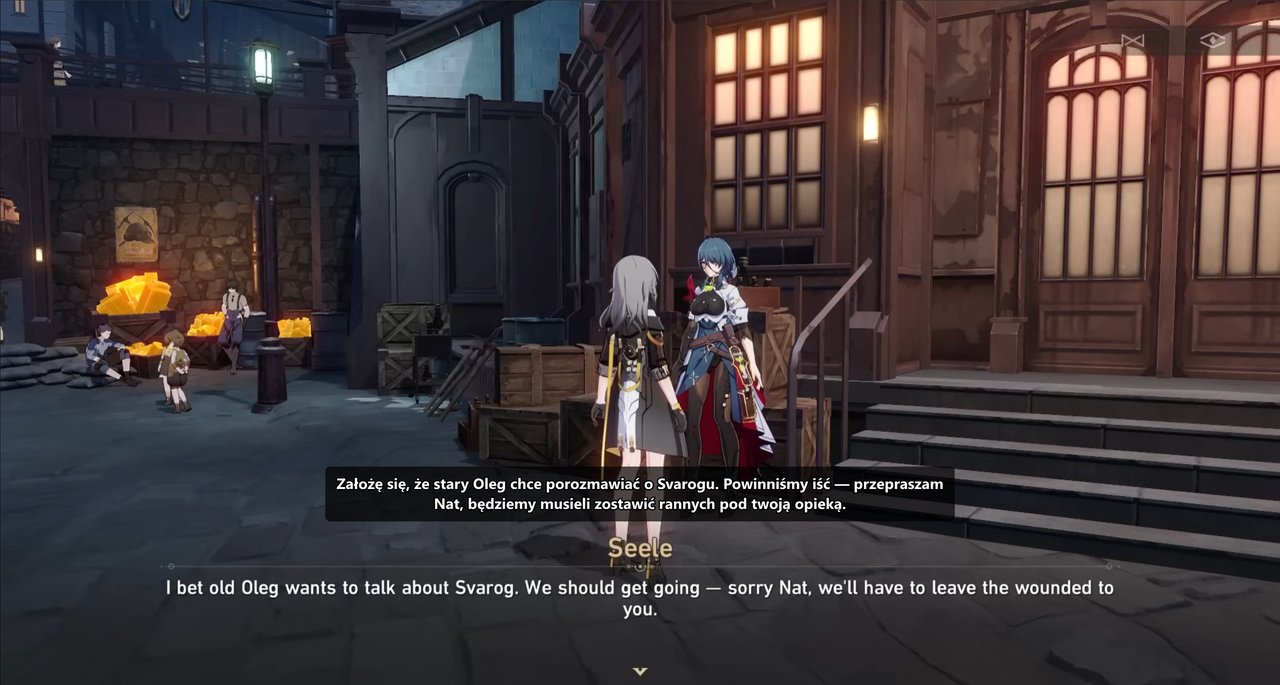
Use Kaption to translate Honkai: Star Rail dialogue into Polish while you play. Works with story scenes, NPC dialogue, and long text-heavy quests.
A practical guide for reading long Genshin Impact and Honkai: Star Rail quests: subtitles, pacing, notes, lore terms, and spoiler control.
Safety and account questions
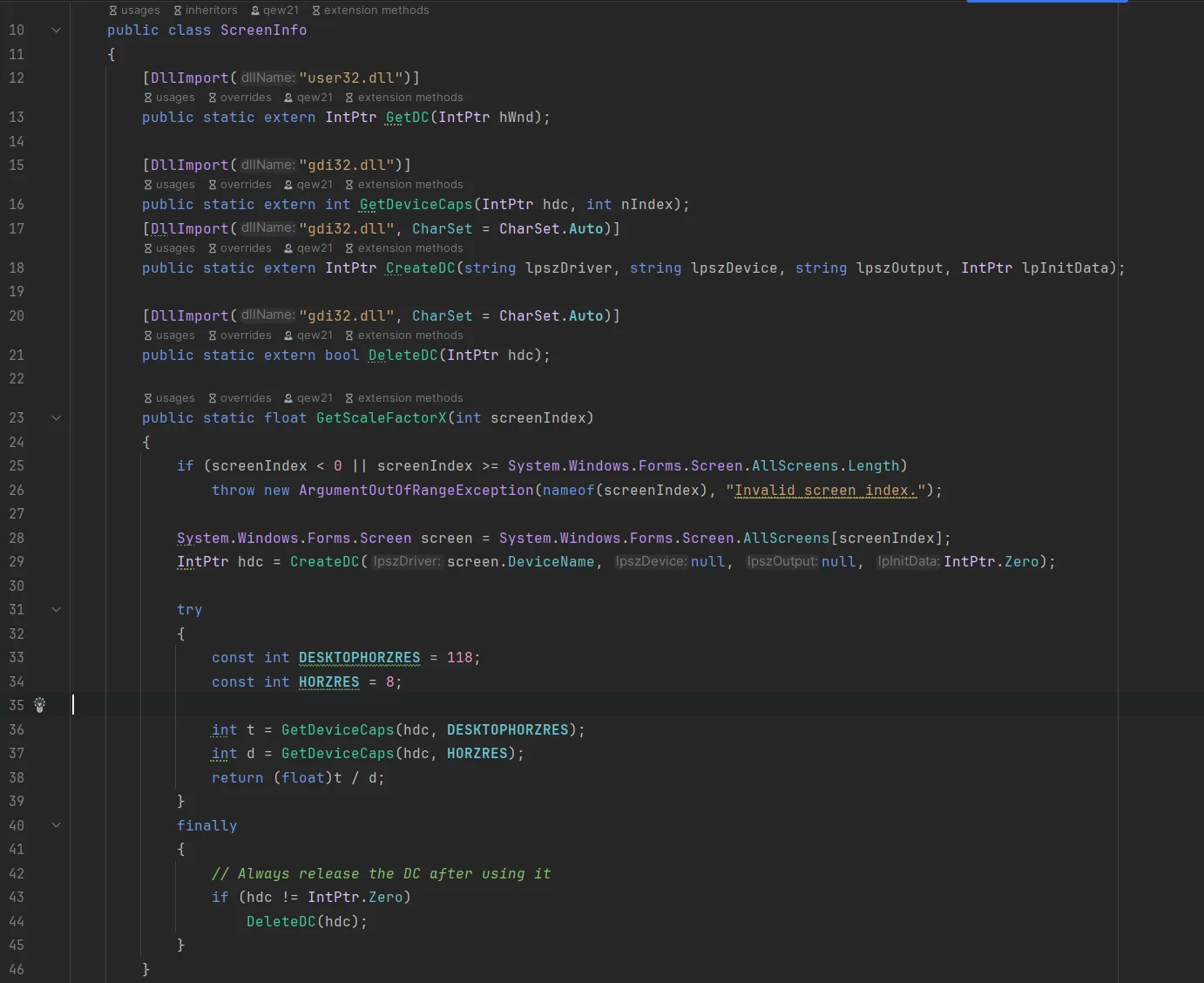
What Kaption does, what it does not touch, how source code helps audits, and how to think about anti-cheat concerns.
News and leaks
Spoiler-safe guides for Genshin Impact leaks, Honkai: Star Rail update rumors, source checks, and patch planning.